


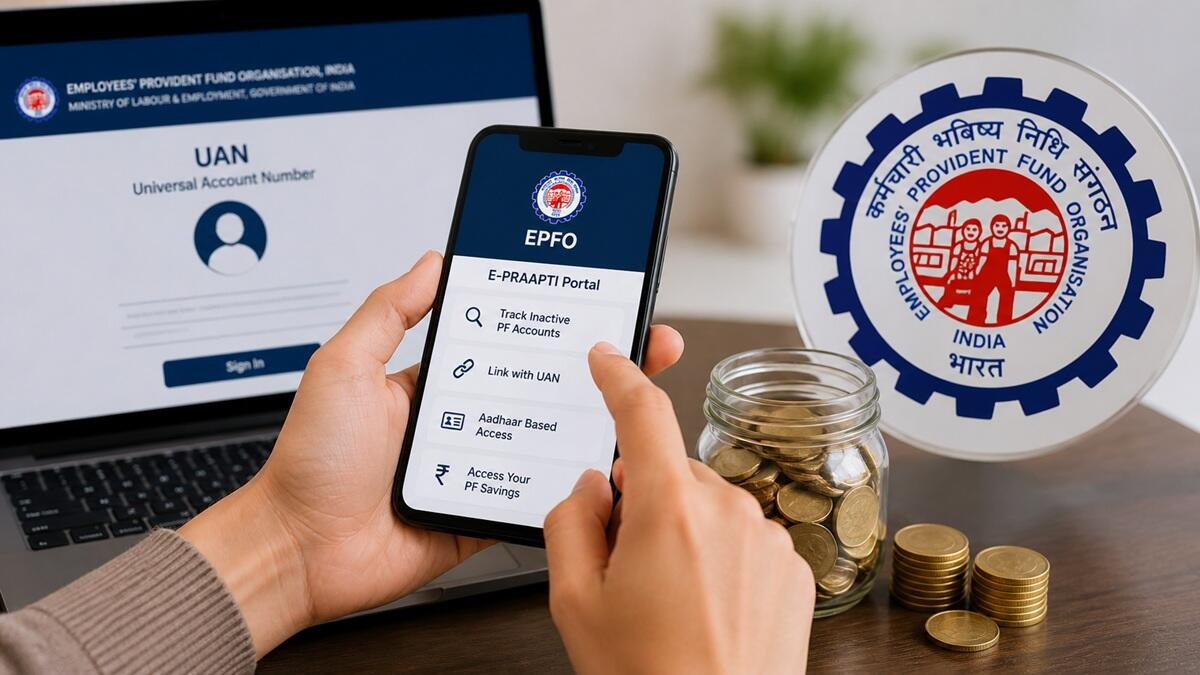
Retirement body warns that beneficiary assignments left in simple “Pending” status will be completely ignored during death claim settlements, leaving families locked out of core corporate benefits.
Add businessleague.in as a Preferred Source


The administrative guidelines safeguarding retirement assets across the domestic corporate workforce have faced an important policy reminder. In a comprehensive informational campaign published late Thursday, the Employees’ Provident Fund Organisation (EPFO) addressed a common mistake made by millions of active account holders. The advisory details a strict enforcement standard regarding EPF e nomination e sign validity, warning savers that basic data entry alone does not guarantee legal protection.
Under the statutory mandates of the Employees’ Provident Fund Scheme, 1952, establishing a clear beneficiary roster is a compulsory requirement to ensure that accumulated funds reach a member’s rightful heirs following an unexpected tragedy.
However, tech tracking teams reveal that an alarming number of workers fill out their beneficiary names on the web dashboard but skip the second phase of verification. The regulatory body explicitly states that unless the document undergoes full digital signature verification, the nomination remains invalid in the database.
Also Read | Viral Trump Lookalike Buffalo Rescue: Saved From Eid Sacrifice
Understanding the Two-Stage Beneficiary Verification Loop
The shift from manual paper forms to the computerized member interface has significantly simplified employee compliance. However, this shift means that the legal responsibility for completing the process rests entirely on the individual subscriber.
When an employee completes the initial data entry segment—including entering the nominee’s full name, date of birth, and relationship status—the web portal saves the file into a temporary block labeled “Pending Nomination.”
If a tragedy occurs while the form is in this pending state, the regional field offices are legally barred from processing online death claims based on that document. The entire file is treated as non-existent until the applicant uses their linked mobile configuration to complete a secure digital signature step.
Comprehensive Guide to Complete Your Digital Signature
To secure absolute legal protection for your family, execute this structural verification sequence within the unified member interface:
Analyzing the Structural Division of Corporate Benefits
A completed and verified electronic form opens up a three-tiered financial safety net for an employee’s loved ones, moving across independent welfare pools:
| Covered Welfare Benefit Pool | Core Financial Allocation Rule | Direct Strategic Advantage for Heirs |
| Employees’ Provident Fund (EPF) | Transfers 100% of the accumulated lump-sum savings pool. | Delivers immediate, high-volume cash cushions to cover debt or basic living costs. |
| Employees’ Pension Scheme (EPS) | Secures a lifetime monthly pension stream for the spouse. | Guarantees sustainable long-term protection, shielding children from immediate poverty. |
| Deposit Linked Insurance (EDLI) | Grants a tax-free life insurance payout up to ₹7 Lakh. | Delivers critical support without requiring a separate monthly premium. |
Note: The system applies specific family rules depending on your domestic status. A married employee is legally required to include their spouse and children on the document, even if they plan to distribute the savings share differently. Unmarried individuals retain the flexibility to nominate any trusted third party, regardless of legal relation.
The system automatically limits pension designations to protect immediate dependents. For example, the interface only opens up options to select an external beneficiary for the pension pool if the user leaves the spouse and children check-boxes empty.
Additionally, any active beneficiary settings saved during an individual’s single life are automatically voided upon formal marriage. This resetting mechanism means that newly married workers must submit a fresh, updated form to properly reflect their new family status.
By taking fifteen minutes to complete the digital signature verification, corporate workers can transform a simple pending file into a powerful financial shield, ensuring that their hard-earned retirement savings remain fully protected and instantly accessible to their loved ones during their most difficult moments.
FAQ Section
Why is an unsigned EPF electronic nomination considered completely invalid?
The EPFO processes online claims through secure, automated systems that require digital authorization to prevent fraud. If a form is filled out but left unsigned, it remains in a “Pending” state in the database, meaning the system cannot legally process any claims based on that document if the account holder passes away.
What are the main document requirements before starting an online nomination?
Before logging into the member interface, ensure that your profile photo is updated. You will also need to gather the correct names, dates of birth, and valid identification numbers for each family member, along with a separate passport-sized digital photo for each nominee.
What should a subscriber do if they get a new job or change their marital status?
Any new online submission automatically replaces all previous nominations stored in the database. When a worker gets married or wants to adjust how their benefits are split among their children, they can submit a new form. Just remember that every time you update your details, you must include all intended beneficiaries again and complete the digital signature process.
Also Read | Viral Trump Lookalike Buffalo Rescue: Saved From Eid Sacrifice
End..
Add businessleague.in as a Preferred Source

