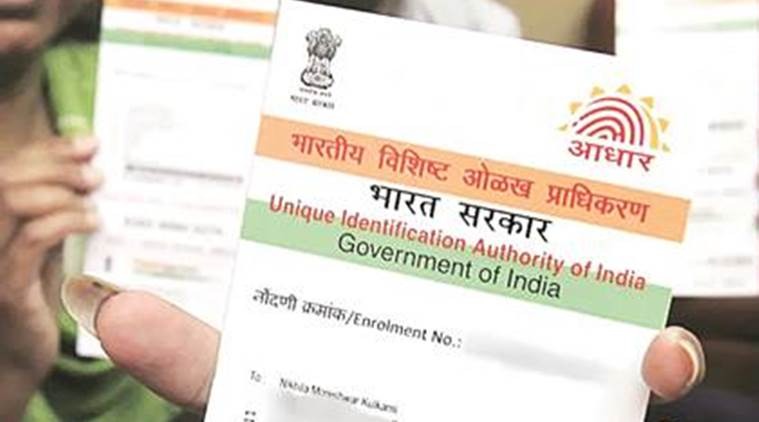
Aadhaar Card Update: If your name, address, date of birth, or anything else is printed incorrectly on your Aadhaar card, or if you need to change the mobile number linked to your Aadhaar card, you can do all of these things very easily. This is especially important because Aadhaar is required for everything from banking to purchasing a SIM card, as well as for many government and non-governmental purposes.
Add businessleague.in as a Preferred Source
Now, if the name, address, etc. on your Aadhaar card are incorrect, or your mobile number is not linked to your Aadhaar card, you may face difficulties and many of your tasks may be hampered. Therefore, if you need to make any updates to your Aadhaar card, you can do so. Let’s explore the steps to update your Aadhaar card.
Many tasks are done online
If you want to update your address in your Aadhaar, get a PVC Aadhaar card, etc., you can do these tasks online by visiting the official UIDAI website at https://uidai.gov.in/ or using the official m-Aadhaar app. However, for many other tasks, such as updating your mobile number, you must visit an Aadhaar Seva Kendra.
This is how you can get offline updates done:-
step 1
If you want to update anything in your Aadhaar card, from mobile number to name, etc., you can do so.
For this, first take an appointment at your nearest Aadhaar service center.
Then go to the Aadhaar Seva Kendra whenever you get an appointment
Step 2
You have to go here and take the correction form and fill it.
Like, your name, Aadhar number etc.
Also fill in the form whatever needs to be updated in the Aadhaar card like mobile number, new address, new name etc.
Now, you have to attach supporting documents with this correction form i.e. proof.
Step 3
After this, you have to take this form to the concerned officer, where your biometrics are taken.
Then a photo is also clicked and verification is done
Your details are now updated in the system and you are required to pay the fee.
After a few days, the information you have provided gets updated in your Aadhaar.
Deepak Kumar has 2 years of experience in writing Finance Content, Entertainment news, Cricket and more. He has done BA in English. He loves to Play Sports and read books in free time. In case of any complain or feedback, please contact me @deepakmaurya152004@gmail.com